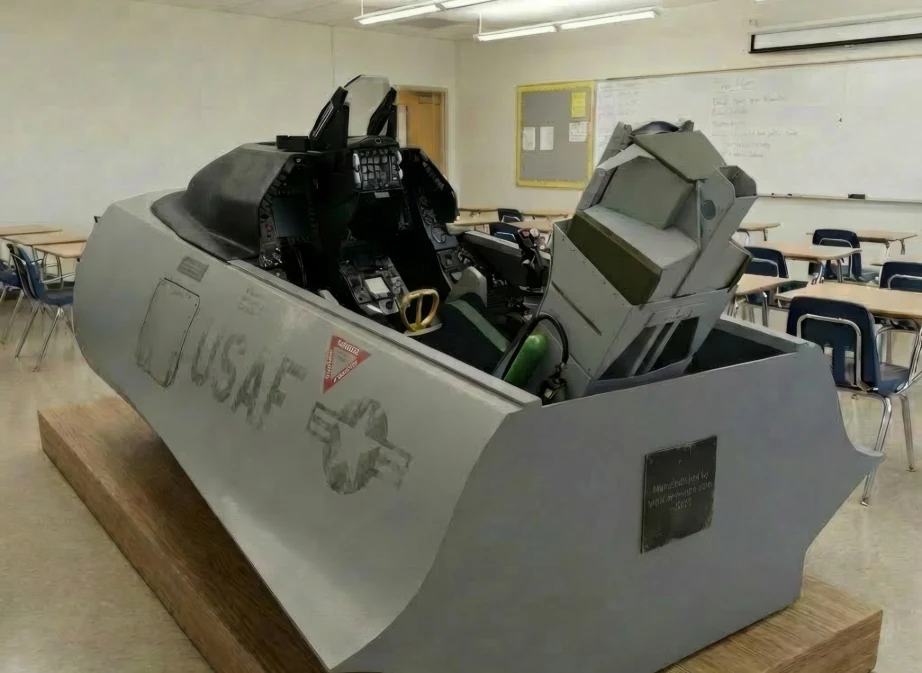
F16 Frames
VR / COCKPIT STRUCTURES
Configure full-cockpit, VR Pro, ACES II, MIP and HUD options.
CONFIGURE F16 ›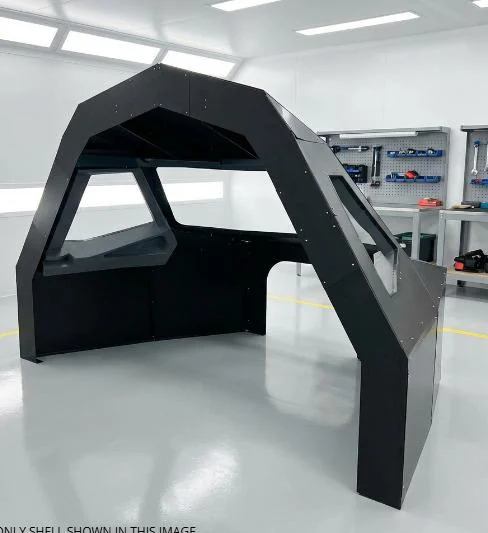
Select the structure that suits your project, then configure the individual parts you require. There is no compulsory base package — components can be ordered individually.
Choose a cockpit structure or software product. Physical products open the live configurator; software products open a product overview with sample screens.
Configure full-cockpit, VR Pro, ACES II, MIP and HUD options.
CONFIGURE F16 ›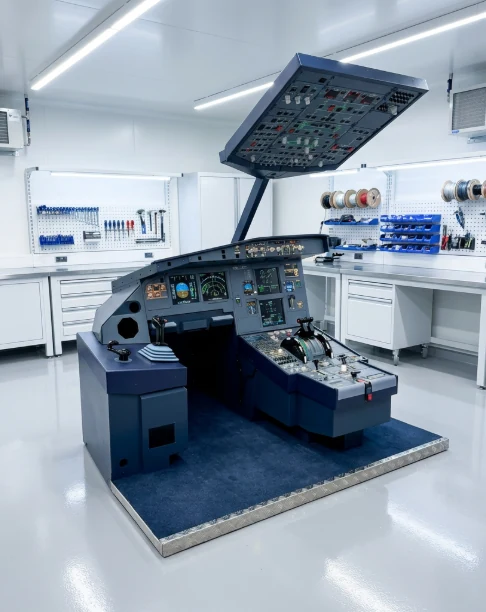
Compact single-seat structure with configurable MIP, pedestal and side-box components.
CONFIGURE SINGLE SEAT ›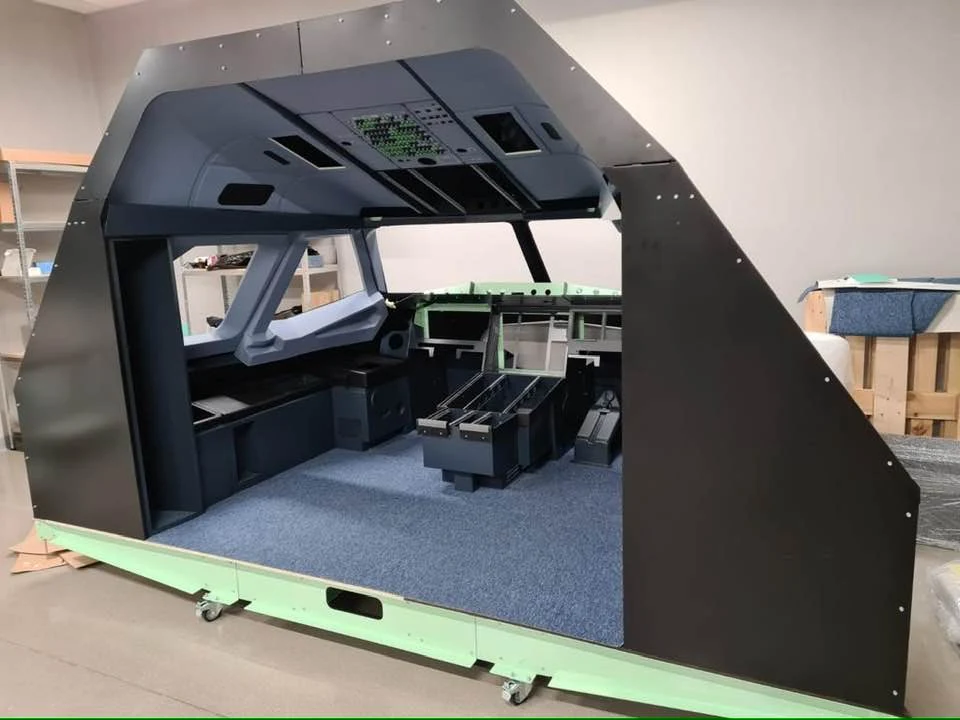
Configure the complete shell, MIP, pedestal, side boxes, aft boxes and interior components.
CONFIGURE FULL COCKPIT ›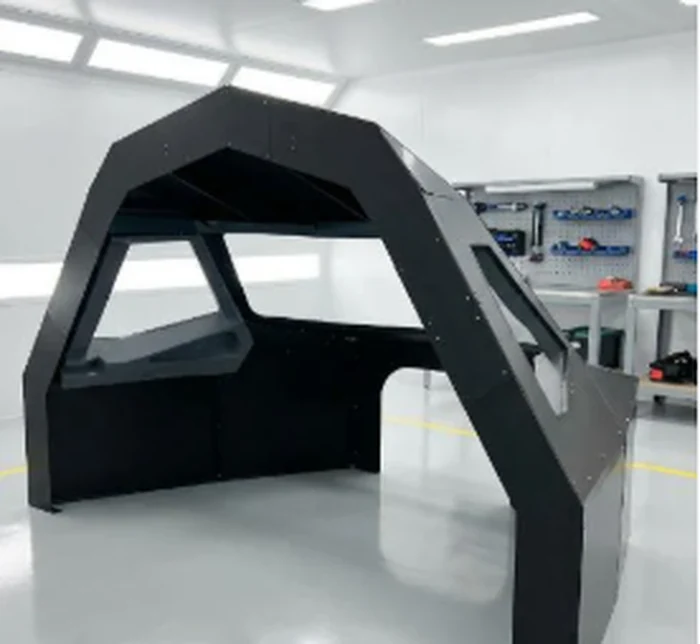
A shortened full-width cockpit for installations where overall depth is limited.
CONFIGURE SUPERSHORT ›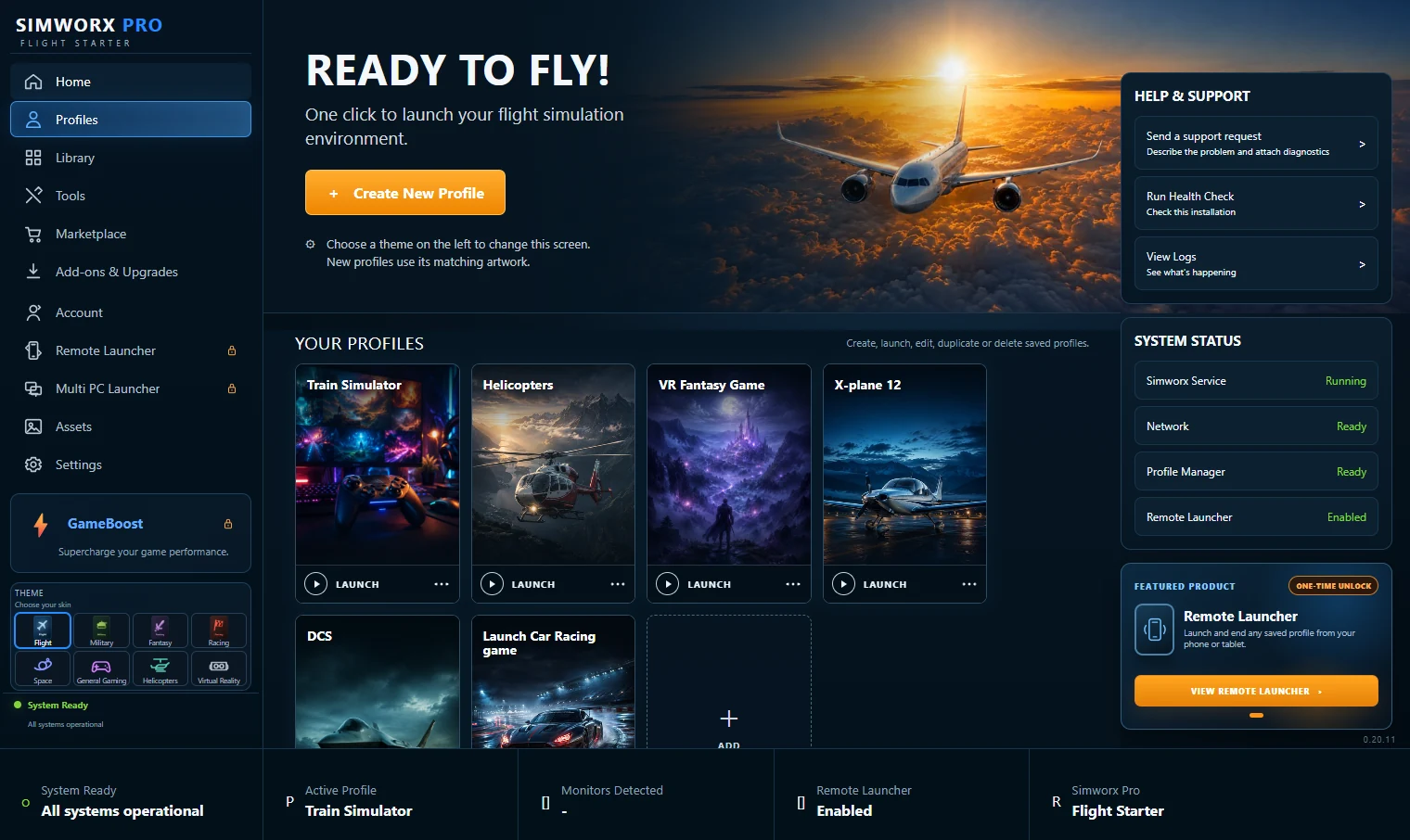
Automate complex simulator start sequences into a single click. Upgrade for multi-PC home cockpits.
VIEW SIMSTARTER PRO ›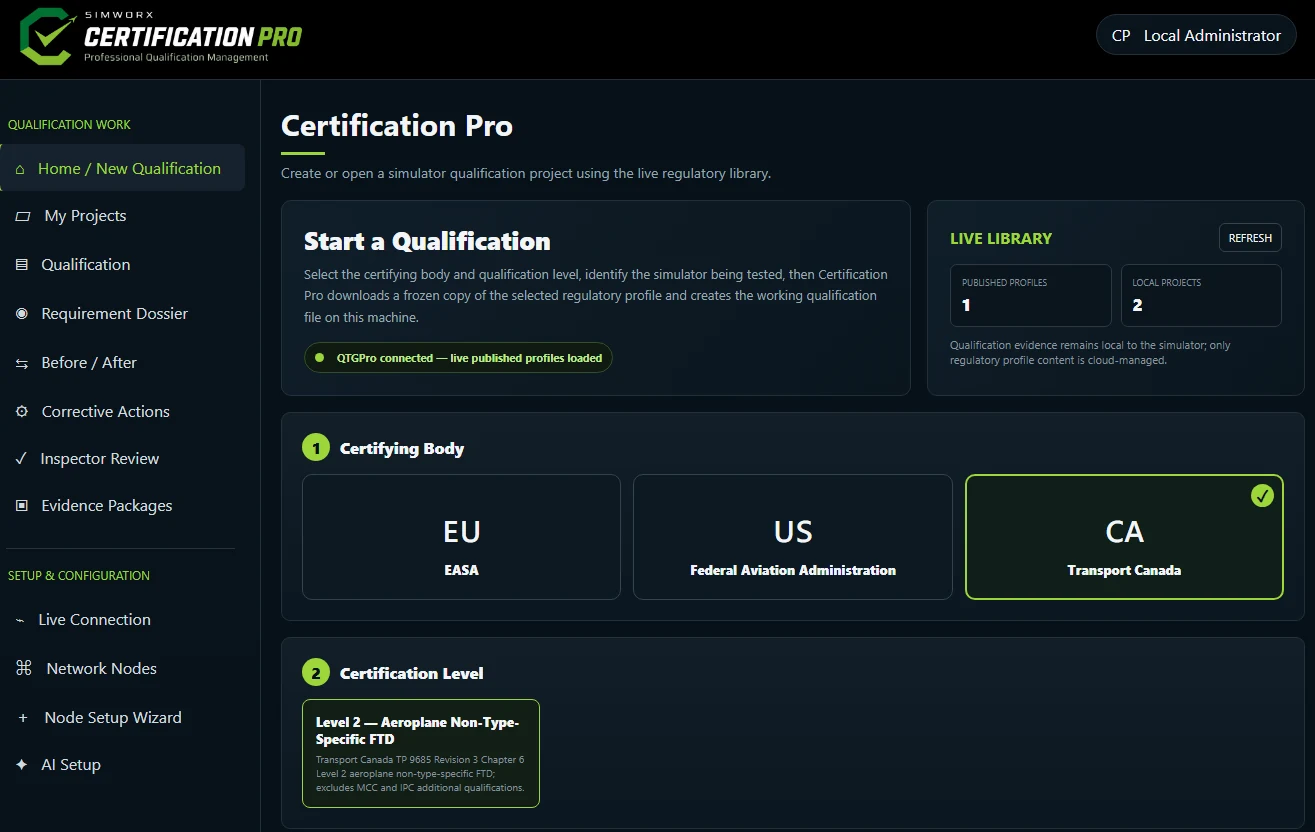
AI-assisted qualification management with guided QTG workflow, evidence capture and inspector review.
VIEW CERTIFICATION PRO ›